Anthropic Claude -> One Publishing Bridge

Publish Directly from Claude to All Your Websites & Social Channels

Love writing in Claude Web or Claude Desktop? Wordflux acts as the single middleman between Claude and every platform you run. Connect once instead of juggling multiple plugins, and send finished articles straight to your CMS websites and 11 social networks.

14-day free trial, no charge today, cancel anytime with 1 click. Works with your existing Claude subscription.

Claude Web & DesktopOne Connection for EverythingMulti-Website CMS Publish11 Social Media ChannelsDrafts or Instant PublishRequest Any Missing Connector
Claude -> Wordflux Publishing Hub1-Click Bridge Active

Your Prompt in Claude

“Turn these notes into a full blog post for our Ghost publication and WordPress site, then schedule LinkedIn and Threads posts to promote it this week.”

Automated in One Conversation

  • Sends the formatted article straight to Ghost and WordPress
  • Adapts punchy social updates for LinkedIn and Threads
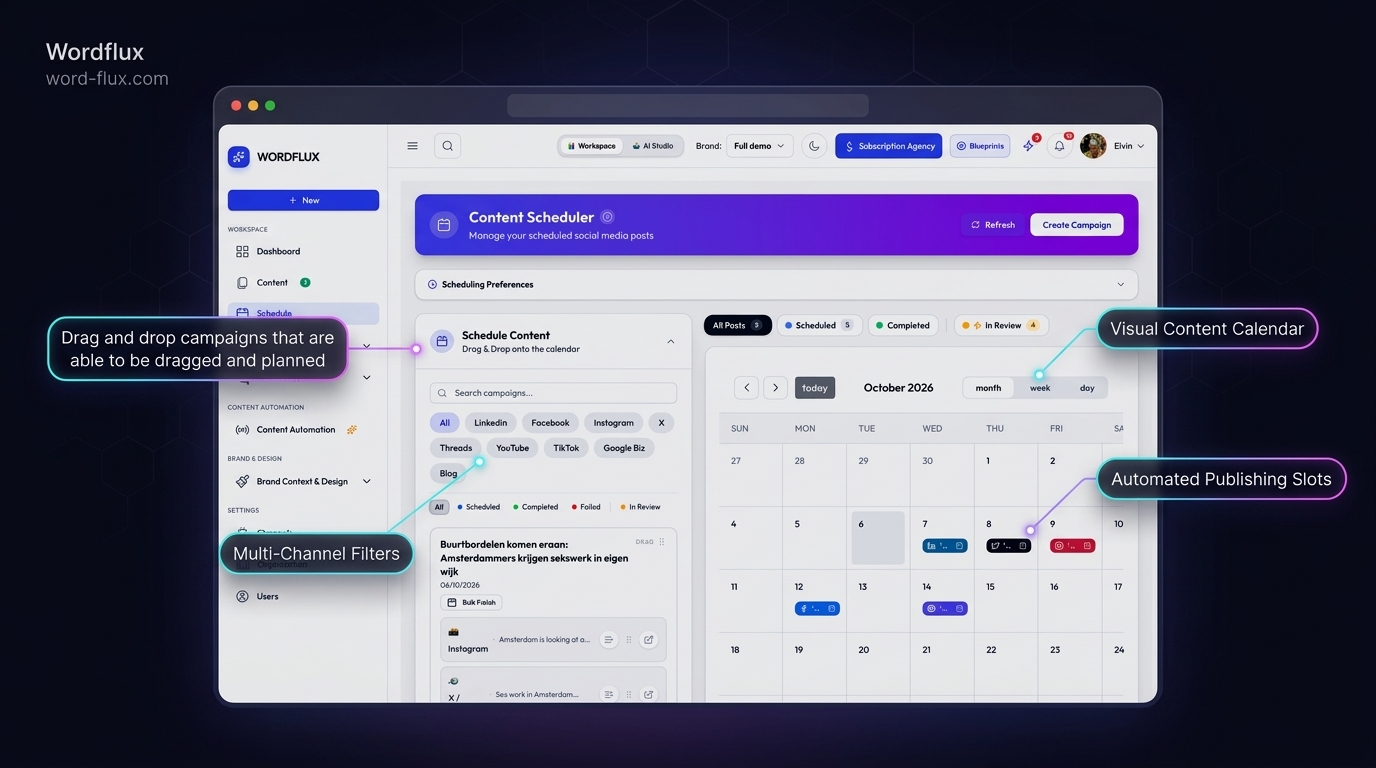
  • Queues everything in your calendar without opening another tab

Published & Scheduled Destinations

  • Ghost & WordPress Sites (Draft / Live)
  • LinkedIn Personal & Company Page
  • Threads Multi-Post Schedule
Write in Claude's clean interface and let Wordflux route your content to every website and social account.
One Bridge. Zero Connector Fatigue.

Stop stitching together separate Claude plugins for every platform.

You should not have to find and configure separate plugins for WordPress, Ghost, Webflow, LinkedIn, Instagram, and X. Connect Claude to Wordflux once, and Wordflux becomes the central hub that delivers your Claude drafts to every website, newsletter, and social media account you manage.

Works in Claude Web, Desktop & Code
Manage multiple websites from one chat
11 official social networks built in

What You Can Publish Straight from Claude

Keep Claude's unmatched writing experience while Wordflux handles all multi-site CMS and social distribution.

Send Long-Form Articles to Multiple CMS Websites
Push polished Claude drafts directly to WordPress, Ghost, Webflow, Shopify, HubSpot, Wix, Squarespace, or Hosted Public Pages with clean headings and metadata.
Publish & Schedule Across 11 Social Media Platforms
Turn one Claude conversation into native posts for LinkedIn, Instagram, Facebook, X, TikTok, YouTube, Threads, Pinterest, Google Business Profile, Bluesky, and Mastodon.
One Hub Instead of Dozens of Separate Connectors
Skip installing individual plugins for every tool in your stack. One connection to Wordflux gives Claude access to every destination you use.
Built for Multi-Brand & Agency Workflows
Switch effortlessly between client websites, publications, and social profiles inside the same Claude chat with strict account isolation.
Edit & Update Existing Drafts Without Duplicates
Ask Claude to revise a headline or paragraph and update your queued CMS or social draft in place with zero clutter.
Request Any Missing Platform Connector
Publishing to a niche CMS or custom site? Check our full integrations list or request a missing connector right inside Wordflux.
2-Minute Setup

Connect Claude to Your CMS & Social Channels in 4 Steps

Anyone can connect the plugin right from your Claude web settings in under a minute. Open the Connection Setup Guide.

  1. 1

    Connect Claude to Wordflux Once

    Add Wordflux to Claude Web or Claude Desktop in about a minute, with zero need to install separate platform servers.

  2. 2

    Link Your Websites & Socials in Wordflux

    Connect your WordPress, Ghost, Webflow, Shopify, and social accounts once inside your Wordflux dashboard.

  3. 3

    Draft & Refine Inside Claude

    Write articles, newsletters, and social posts inside your normal Claude chat or Claude Projects.

  4. 4

    Send to Any Website or Social Channel

    Tell Claude where to publish or schedule, and Wordflux distributes your content immediately or saves drafts for review.

SEO & Generative Engine Optimization (GEO)

Build Lasting Search & AI-Citation Authority from Claude

Claude produces thoughtful, deeply structured writing. Routing those drafts directly to your websites and social platforms through Wordflux builds the crawlable authority that ranks in Google and gets cited by AI engines.

  • Direct CMS and Hosted Public Pages publishing preserves clean semantic HTML, headings, and canonical links with zero copy-paste formatting errors.
  • Coordinated posting across LinkedIn, Bluesky, Mastodon, Pinterest, and YouTube expands your brand's verifiable citation footprint.
  • Effortless multi-site publishing lets small teams keep multiple blogs and regional sites updated consistently for SEO and GEO.
One Hub for Every Destination

Missing a Website CMS or Platform? Just Request It.

Wordflux already bridges Claude to 11 social media networks and major CMS platforms (WordPress, Webflow, Shopify, Ghost, HubSpot, Wix, Squarespace, Hosted Pages, and Custom Webhooks). If you manage another platform or custom website, let us know and we will add the connector for you.

Claude Publishing, CMS, SEO & GEO FAQ

Claude Content & Publishing Questions

Everything you need to know about connecting Claude to your CMS and social channels.

How can I publish articles directly from Claude to WordPress, Ghost, or Webflow?
Connect Claude to Wordflux once as your central publishing hub. From that point on, you can finish writing in Claude Web or Claude Desktop and ask Claude to send the article straight to your WordPress, Ghost, Webflow, Shopify, or Hosted Public Pages site.
Do I need technical setup or multiple plugins to connect Claude to social media?
No. Instead of hunting down and configuring separate plugins for every social network and CMS, you connect Claude to Wordflux once. Wordflux acts as the middleman that delivers your content to all 11 social networks and your websites.
Can Claude manage publishing across multiple websites and client brands?
Yes. If you run several blogs, niche websites, or agency client accounts, connect them all inside Wordflux and simply tell Claude which website and social channels should receive each post.
Can I keep Claude posts as drafts for approval before they go live?
Yes. You can save everything as drafts in your Wordflux Content Library or restrict permissions to draft-only mode so editors or clients approve every post before publishing.
What if I want to publish from Claude to a CMS or platform that is not supported yet?
You can check all supported connectors on the Wordflux integrations page and request any missing integration directly from our team. Custom webhooks are also available immediately.
How does publishing directly from Claude improve SEO and GEO (Generative Engine Optimization)?
Publishing clean, well-structured articles straight to your websites while simultaneously sharing canonical takeaways across LinkedIn, Bluesky, Mastodon, Pinterest, and YouTube builds consistent cross-web signals that Google Search and AI answer engines trust and cite.
Claude Publishing Guides

Claude Publishing & Multi-Site Automation Guides

Learn how writers, founders, and agencies publish faster straight from Claude.

Explore Other Supported AI Chats & Connectors

Use your favorite AI assistant to create content and publish directly to your CMS or social media.

Risk-Free 14-Day Free Trial

Put Your Entire Content Engine on Autopilot Today

Connect your website or channels in 2 minutes. Start publishing on LinkedIn, Instagram, X, Facebook, Pinterest, Bluesky, Mastodon, and Google Business with zero manual copy-pasting.

Looking for the browser companion?Download Chrome & Edge Plugin
14-day free trial, €0 charged todayCancel anytime with 1 clickFree Done-For-You Onboarding includedCustom Workflows Built on Request