Direct Shopify Blog API + Product & Store Social Autopilot

Publish to Your Shopify Blog & Promote Products Across 11 Social Channels

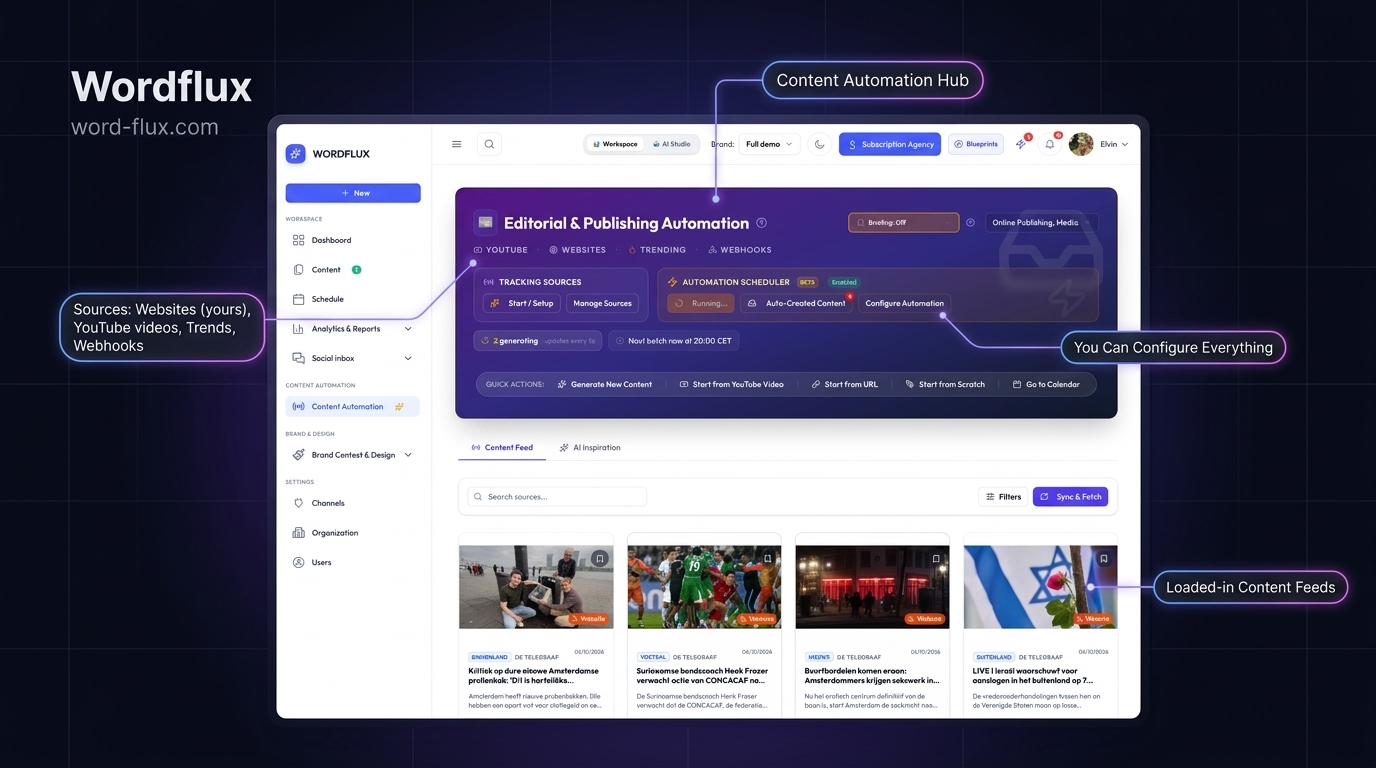
Publish and update Shopify Blog articles directly via the Shopify Admin API from Wordflux or AI chat (MCP), and monitor your `/products/`, `/collections/`, and `/blogs/` feeds in Website Radar to auto-generate 2:3 Pinterest Pins, 4:5 Instagram carousels, TikTok slides, Facebook offers, and Google Business updates.

14-day free trial, no charge today, cancel anytime with 1 click. Works across all 11 official social APIs.

Direct Shopify Blog APIIn-Place Article Updates`/products/` & `/collections/` Radar2:3 Vertical Pinterest Pins4:5 Instagram Product SlidesTikTok & Google Business Posts
Shopify Catalog & Blogs -> Pinterest, IG, TikTok & GBPZero Theme App Slowdown
Pulls Shopify product photography, specs, pricing context, and blog guides externally without injecting Liquid theme scripts that hurt checkout conversion.
Engineered for D2C Brands & E-Commerce Merchants

Compound Organic Store Traffic Without Slowing Down Your Liquid Theme

Installing heavy Shopify storefront apps bloats Liquid templates and drags down mobile conversion rates. Wordflux monitors your public Shopify Atom/RSS feeds (`/blogs/news.atom`, `/collections/all.atom`) and sitemap product URLs externally, transforming new SKUs and buying guides into high-converting visual posts.

External Feed & Sitemap Sync (Zero Liquid App Bloat)
Auto-Cropped 2:3 Pinterest & 4:5 Instagram Product Cards
Direct Product Checkout URLs on Pinterest & GBP

How Shopify Store & Blog Social Automation Works

Launch a product or publish a buying guide in Shopify Admin once. Wordflux builds the visual and copy assets for every retail discovery feed.

Direct Shopify Blog Publishing & Updates
Connect your `.myshopify.com` store and Admin API token to publish new Shopify Blog articles (`articleCreate`) or update existing posts in place (`articleUpdate`) via GraphQL, including HTML body, excerpt, slug, tags, and featured image.
Automatic New Product & Drop Detection (Radar)
Website Radar monitors public Shopify `/products/` URLs and collection Atom feeds (`/collections/all.atom`), extracting product titles, specs, and hero photos to generate social campaigns without editing Shopify Liquid templates.
Evergreen 2:3 Pinterest Catalog Pins
Formats vertical 1000x1500 Pinterest Pins via official Pinterest API v5 with keyword-rich descriptions and direct outbound links straight to your Shopify product page.
Instagram 4:5 Carousels & TikTok Photo Mode
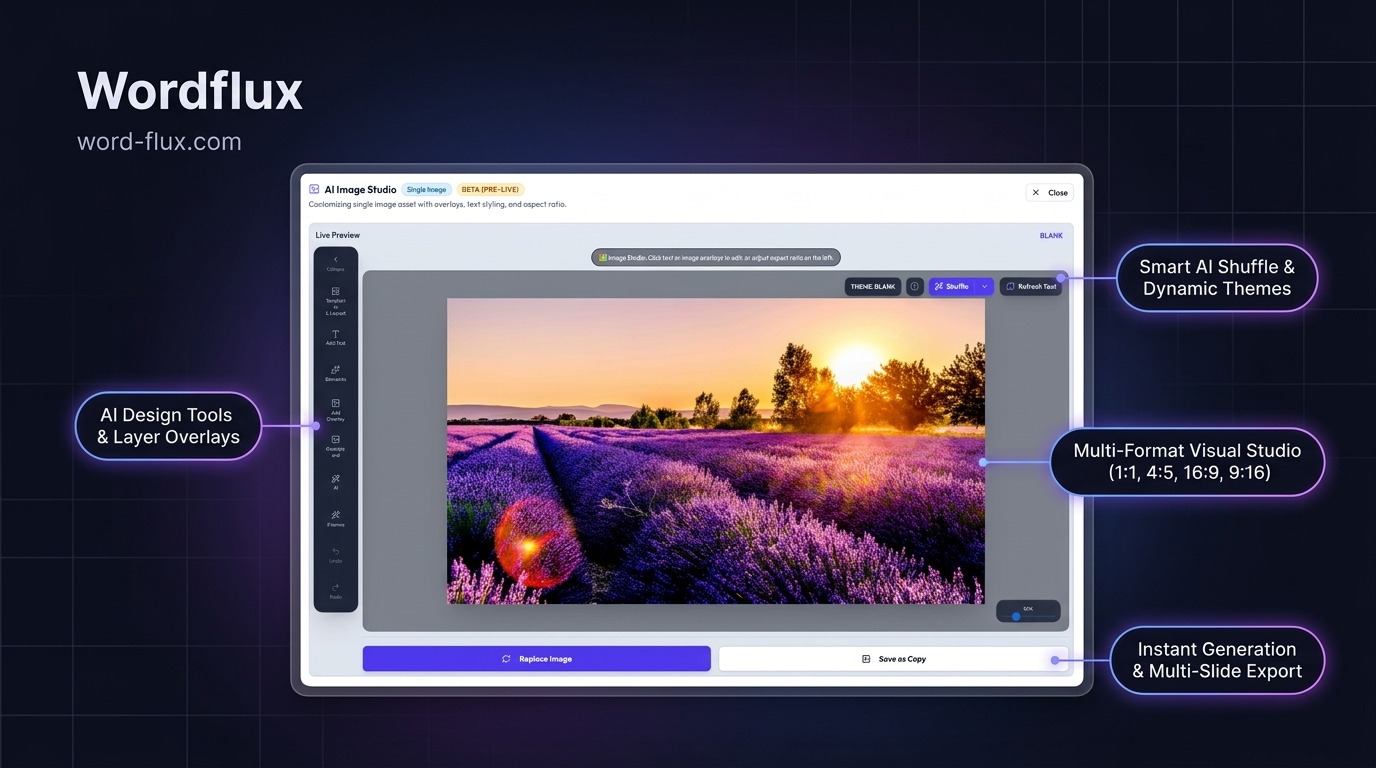
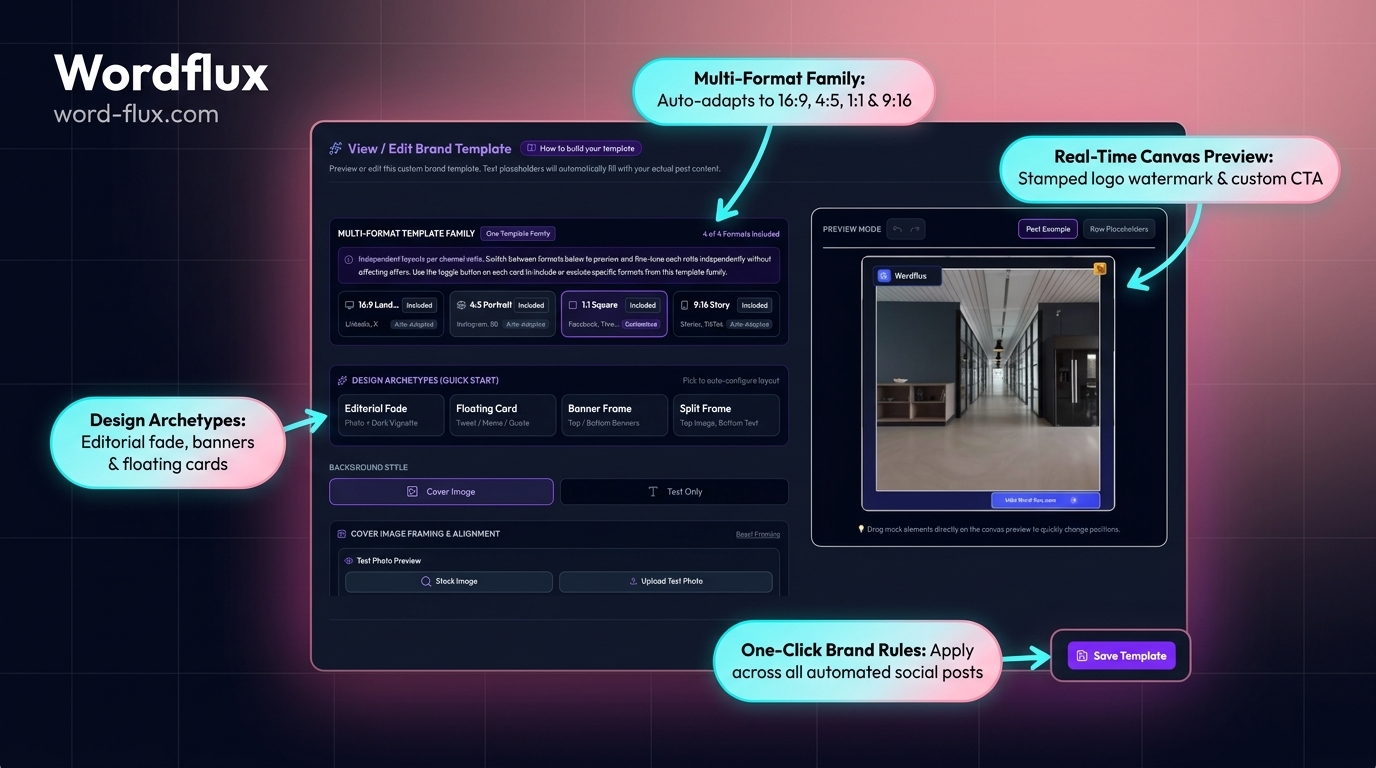
Stamps your Shopify product imagery into cohesive Brand Templates for 10-slide Instagram carousels, Reels, and 35-slide TikTok Photo Mode showcases.
Shopify Buying Guides to Multi-Channel Campaigns
Monitors Shopify store blogs (`/blogs/news`) and turns SEO buying guides into educational LinkedIn, Facebook, Threads, and Bluesky posts that drive high-intent shoppers.
Google Business Profile for Omnichannel Retailers
Have physical showrooms, pop-ups, or local pickup? Automatically publish in-stock product highlights with `ORDER` or `LEARN_MORE` buttons to Google Maps.
1-Click Browser Capture on Any SKU Page
Want to re-promote a bestseller for Black Friday or a seasonal sale? Click the Chrome/Edge plugin directly on any Shopify product URL to spin up a fresh promo campaign.
2-Minute Setup

Connect Shopify to 11 Social Channels in 4 Steps

  1. 1

    Connect Your Shopify Domain or Feed URL

    Enter your Shopify store URL, collection Atom feed, or `/blogs/` path in Website Radar with zero theme edits.

  2. 2

    Choose Retail Channels & Brand Templates

    Select Pinterest Boards, Instagram Business, TikTok, Facebook, and Google Business, and apply your store's visual template kit.

  3. 3

    Auto-Generate Product & Blog Campaigns

    New products and store articles automatically convert into benefit-driven copy, vertical Pins, and multi-slide carousels.

  4. 4

    Review Promo Calendar or Auto-Publish

    Approve seasonal drops in your visual planner or let evergreen product and blog campaigns publish on autopilot.

E-Commerce SEO & AI Shopping (GEO) Advantage

Get Your Shopify Products Cited in Visual Search & AI Buying Guides

Shoppers increasingly discover products through Pinterest visual search, TikTok search captions, Google Maps local inventory updates, and AI shopping assistants asking for best-in-category recommendations.

  • Pinterest & Google Image Discovery: Every 2:3 Pin carries structured titles, 500-char keyword descriptions, and direct canonical `/products/` links.
  • AI Shopping Recommendation Signals: Pairing Shopify blog buying guides with consistent social discussions across Reddit-indexed open web, Bluesky, YouTube, and LinkedIn strengthens brand entity recall in ChatGPT and Perplexity shopping queries.
  • Protected Storefront Speed: Zero Liquid DOM scripts keep mobile Largest Contentful Paint (LCP) fast for organic Google Merchant and Search rankings.
Shopify Plus, Multi-Store & Custom Catalog Feeds

Managing Multi-Currency Shopify Stores or Large SKU Catalogs?

Standard Shopify product collections and store blogs work out of the box on your 14-day free trial. Need custom metafield extraction, inventory-status filtering, or multi-region Shopify Plus workflows? Talk to our engineering team.

Shopify Publishing, SEO & GEO FAQ

Shopify Social Media Automation Questions

Technical answers on feed setup, page speed, approvals, and multi-channel search visibility.

Does direct Shopify CMS publishing write to Shopify Blog articles or Shopify Products?
Direct CMS publishing writes and updates Shopify Blog articles only via the Shopify Admin API (`articleCreate` and `articleUpdate` in GraphQL, with REST fallback). For Shopify Products and Collections, Wordflux works inbound via Website Radar and the Chrome/Edge extension to turn public `/products/` pages into social campaigns.
How do you automatically post new Shopify products to Pinterest, Instagram, and TikTok?
By connecting your Shopify collection Atom feed (`/collections/all.atom`) or product sitemap to Website Radar. When a new product goes live in Shopify, product photos and specs are formatted into 2:3 Pinterest Pins with direct checkout links, 4:5 Instagram carousels, and TikTok Photo Mode slides.
Will automating social media slow down a Shopify Liquid storefront or checkout?
No. Because product and blog feeds are ingested externally from Shopify's built-in Atom/RSS endpoints and public URLs, zero JavaScript or Liquid theme app blocks are added to your storefront.
Can Shopify blog articles and product pages use different Brand Voice and visual templates?
Yes. You can configure separate URL path rules for `/products/` (conversion-focused product showcase templates and Pinterest Boards) and `/blogs/` (educational editorial carousels and social threads).
Which social channels drive the highest organic ROI for Shopify stores?
Pinterest Pins (which include direct product links and evergreen visual search shelf life), Instagram 4:5 product carousels and Reels, TikTok Photo Mode slides, Facebook Page catalog posts, and Google Business Profile updates for stores with local showrooms.
How does multi-channel Shopify content distribution improve e-commerce SEO and AI shopping citations (GEO)?
Publishing detailed buying guides on your Shopify blog and distributing canonical product and guide URLs across Pinterest, YouTube, LinkedIn, Google Business Profile, and Bluesky builds the multi-source authority that Google AI Overviews and ChatGPT Shopping rely on when recommending D2C brands.
E-Commerce & Visual Marketing Blog

Shopify Organic Traffic & Visual Automation Guides

Learn how online stores turn product photography and buying guides into daily organic social reach.

Risk-Free 14-Day Free Trial

Put Your Entire Content Engine on Autopilot Today

Connect your website or channels in 2 minutes. Start publishing on LinkedIn, Instagram, X, Facebook, Pinterest, Bluesky, Mastodon, and Google Business with zero manual copy-pasting.

Looking for the browser companion?Download Chrome & Edge Plugin
14-day free trial, €0 charged todayCancel anytime with 1 clickFree Done-For-You Onboarding includedCustom Workflows Built on Request