Squarespace 7.1 Blogs, Portfolios & Visual Brands

Turn Your Squarespace Stories & Work into On-Brand Visual Campaigns

Creatives, studios, hospitality brands, and consultants pick Squarespace for effortless design aesthetics. Connect your Squarespace `?format=rss` feed or sitemap in 2 minutes so every journal post or portfolio piece becomes curated 4:5 Instagram carousels, 2:3 Pinterest Pins, LinkedIn PDF decks, and Google Maps updates.

14-day free trial, no charge today, cancel anytime with 1 click. Works across all 11 official social APIs.

Squarespace `?format=rss` Sync4:5 Instagram Visual Grids2:3 Vertical Pinterest PinsSmart Subject-Aware CroppingLinkedIn Editorial PDF DecksGoogle Business Studio Updates
Squarespace 7.1 -> Instagram, Pinterest, LinkedIn & GBPDesign-First Templates
Squarespace journal and portfolio photography formatted into cohesive Instagram carousels and vertical Pinterest Pins
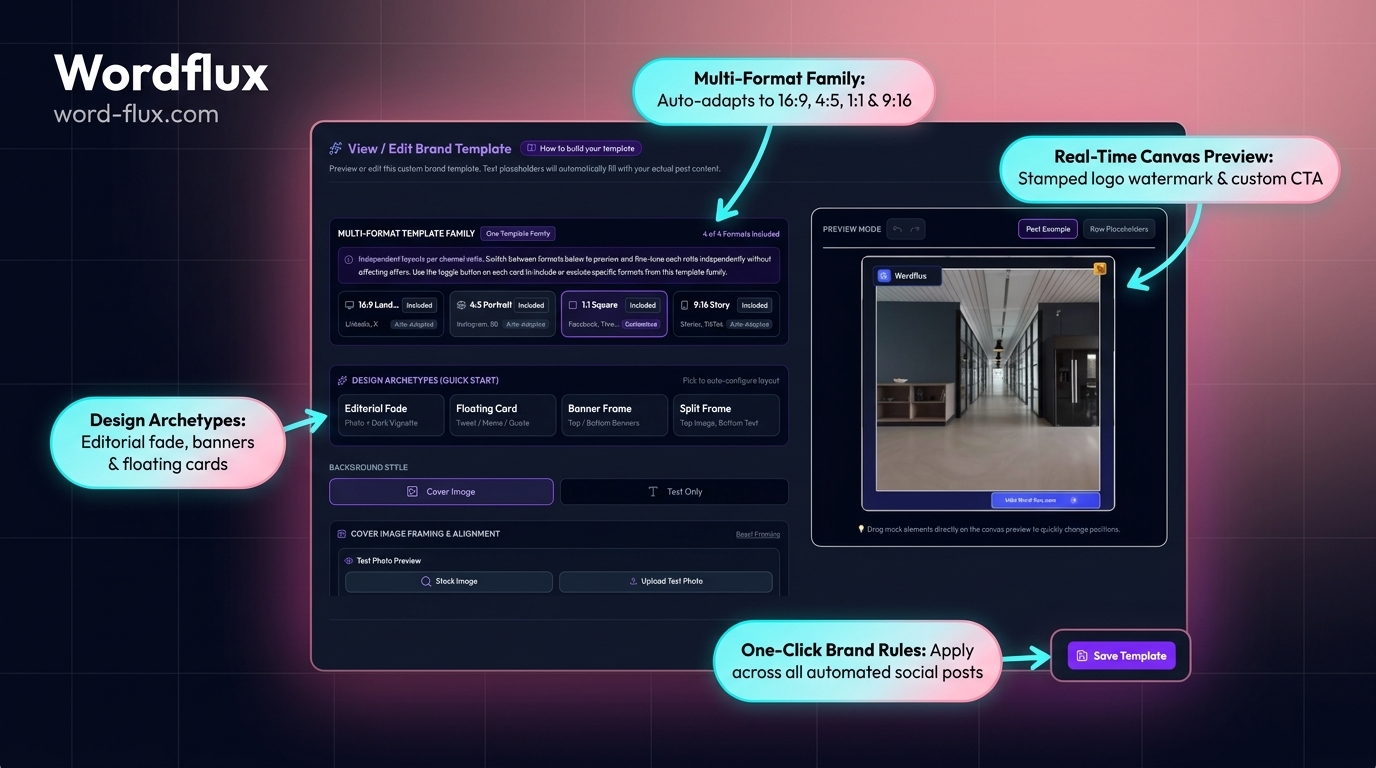
Preserves your Squarespace photography, typography mood, and color palette across 4:5 Instagram slides, 2:3 Pinterest Pins, and vector LinkedIn PDF carousels.
Crafted for Studios, Creatives, Hospitality & Consultants

Design-Forward Social Distribution That Respects Your Aesthetic

Squarespace site owners care deeply about visual presentation and refuse ugly, awkward crops or generic AI captions. Wordflux ingests your Squarespace 7.1 collections (`?format=rss` or `/sitemap.xml`), applies smart focal-point image cropping, and stamps typography-matched Brand Templates across visual and professional channels.

Native Squarespace `?format=rss` Collection Feeds
Focal-Point 4:5, 2:3 & 9:16 Visual Cropping
Refined Editorial Brand Voice Calibration

How Squarespace Visual & Editorial Automation Works

Publish a journal entry, wedding/design project, menu update, or client guide on Squarespace once.

Automatic Squarespace Collection RSS Sync
Every Squarespace 7.0 and 7.1 blog or event collection exposes `?format=rss`. Connect one or multiple collection URLs in under 2 minutes with zero code injection.
Smart Focal-Point Photography Cropping
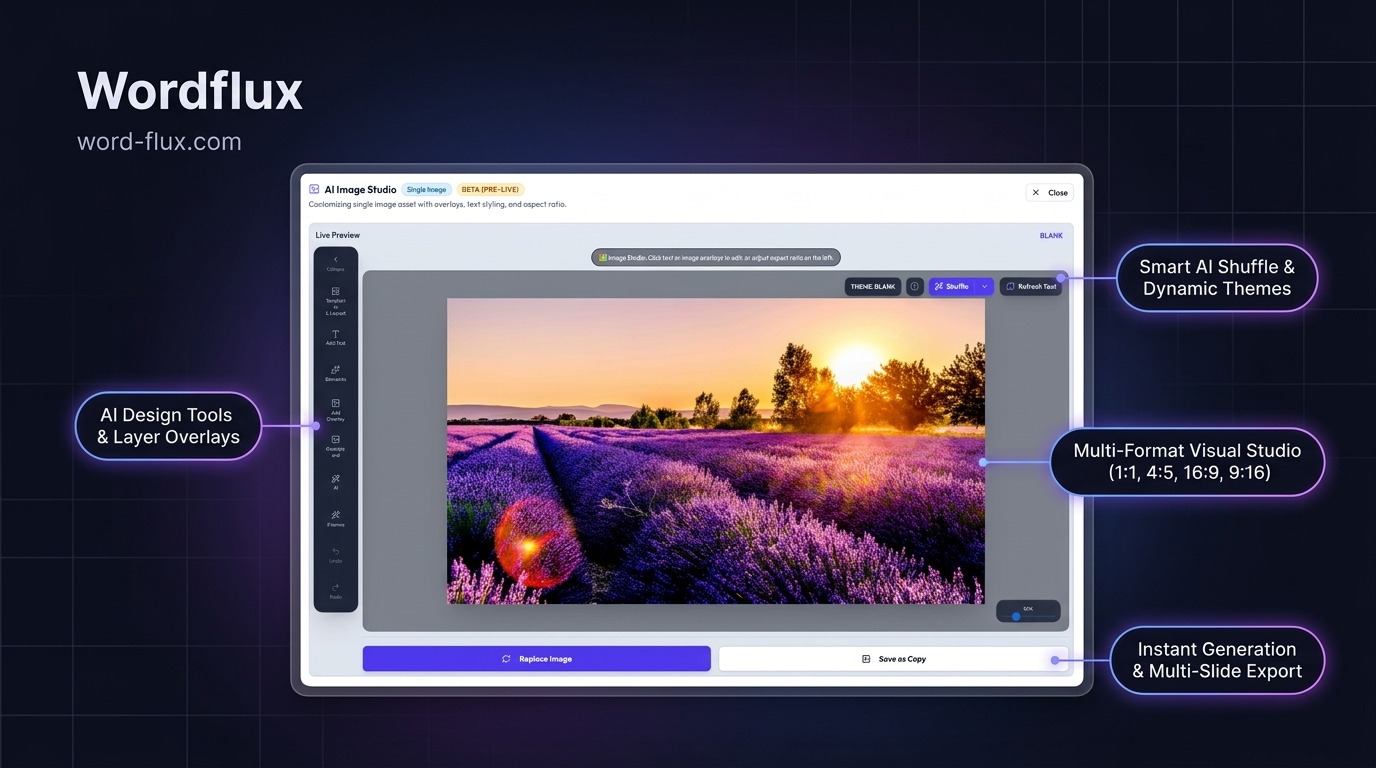
Automatically frames high-resolution Squarespace gallery images into 4:5 Instagram carousels, 2:3 Pinterest Pins (1000x1500), and 1:1 Google Business updates without cutting off subjects.
Pinterest Board & Section Evergreen Traffic
Ideal for interior designers, photographers, architects, food creators, and boutiques: route every Squarespace post to targeted Pinterest Boards with direct links back to your site.
Consultants & Coaches: LinkedIn PDF Carousels
Service founders running Squarespace blogs automatically turn long-form advice articles into polished multi-slide LinkedIn PDF documents and Threads discussions.
Hospitality, Wellness & Studio Google Maps Posts
Restaurants, yoga studios, and clinics on Squarespace keep their Google Business Profile updated weekly with seasonal announcements and `BOOK` / `LEARN_MORE` links.
1-Click Portfolio Page Capture in Chrome/Edge
Showcasing a new Squarespace Portfolio sub-page that does not have an RSS feed? Click the browser companion on the live portfolio URL to build a visual launch set.
2-Minute Setup

Connect Squarespace to 11 Social Channels in 4 Steps

  1. 1

    Add Your Squarespace Blog or Domain URL

    Enter your Squarespace URL (or `yourdomain.com/blog?format=rss`) in Website Radar with zero code blocks.

  2. 2

    Match Your Fonts, Colors & Brand Voice

    Configure Brand Templates and tone guidelines so every visual slide and caption matches your Squarespace aesthetic.

  3. 3

    Publish a Journal Post or Portfolio Story

    Wordflux extracts your photography and narrative to assemble Instagram carousels, Pinterest Pins, LinkedIn decks, and Maps updates.

  4. 4

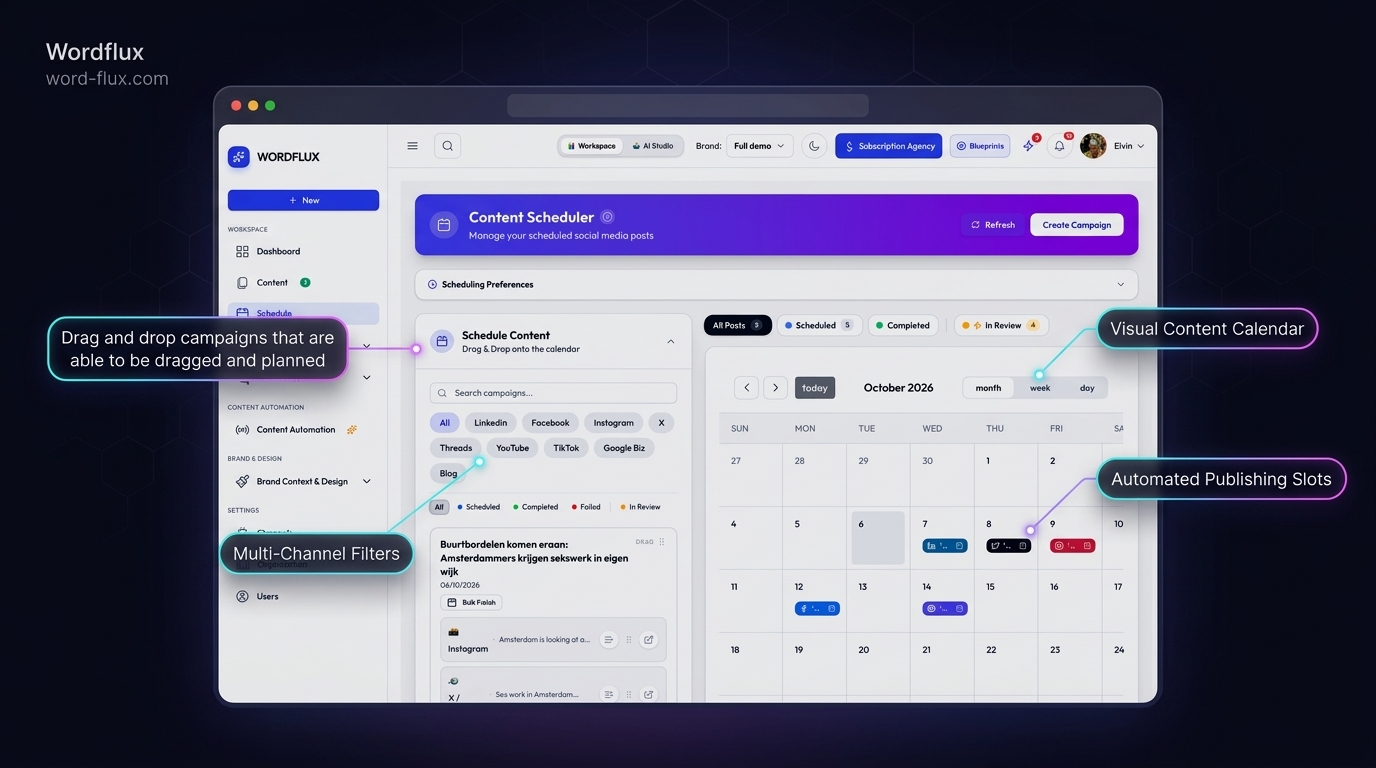
    Curate in Your Visual Planner or Auto-Post

    Preview the visual grid and approve in 1 click, or enable Autopilot for effortless weekly consistency.

Visual Search SEO & AI Discovery (GEO) Advantage

Compound Evergreen Discovery on Pinterest, Google & AI Search

Squarespace portfolios and journals shine visually, and pairing them with structured multi-channel distribution turns static galleries into year-round organic lead generators.

  • Long-Tail Pinterest & Image Search: Vertical 2:3 Pins with rich 500-character descriptions drive compounding referral traffic to Squarespace journals and shops for months.
  • Local & Niche AI Recommendations: Active Google Business updates plus LinkedIn/Instagram/Threads storytelling establish clear expertise and location signals for AI search assistants.
  • Clean Squarespace Templates: Zero header/footer code injection required, keeping Squarespace 7.1 Fluid Engine layouts pristine.
Squarespace Circle Designers & Multi-Collection Brands

Managing Squarespace Circle Client Sites or Custom Commerce?

Squarespace 7.1 blogs, events, and sitemaps work immediately on your 14-day free trial. Building repeatable social packages for Squarespace Circle clients? Book a quick setup session with our team.

Squarespace Publishing, SEO & GEO FAQ

Squarespace Social Media Automation Questions

Technical answers on feed setup, page speed, approvals, and multi-channel search visibility.

How do you automatically post Squarespace 7.1 blog articles to Instagram, Pinterest, and LinkedIn?
Squarespace 7.1 blogs provide a built-in RSS feed by appending `?format=rss` to the blog collection URL (for example, `/journal?format=rss`). Connecting that URL to Website Radar turns every new post and gallery image into 4:5 Instagram carousels, 2:3 Pinterest Pins, and LinkedIn updates.
Can Squarespace Portfolio pages (which lack native RSS feeds) be converted into social campaigns?
Yes. Squarespace Portfolio project URLs appear in your Squarespace `/sitemap.xml` and can also be captured in 1 click with the Chrome and Edge browser plugin using custom gallery and text selectors.
How are high-resolution Squarespace photos formatted across different social aspect ratios?
Smart subject-aware cropping adapts horizontal or vertical Squarespace imagery cleanly into 4:5 Instagram slides, 2:3 vertical Pinterest Pins (1000x1500), 9:16 Stories/TikTok slides, and 1:1/4:3 Google Business updates.
Does connecting Squarespace require a Business/Commerce plan for custom Code Injection?
No. Because ingestion reads public RSS and sitemap endpoints externally, it works on every Squarespace plan (including Personal) without requiring Code Injection.
How does syndicating Squarespace journals to Pinterest, LinkedIn, and Google Maps improve SEO and GEO?
Distributing canonical Squarespace URLs alongside rich descriptive captions on Pinterest, LinkedIn, Bluesky, and Google Business Profile builds topical backlinks, local relevance, and brand citations that Google Search and AI assistants surface.
Visual Design & Creative Growth Blog

Squarespace Visual Branding & Distribution Guides

How studios, creatives, and consultants turn portfolio work and journals into consistent social growth.

Risk-Free 14-Day Free Trial

Put Your Entire Content Engine on Autopilot Today

Connect your website or channels in 2 minutes. Start publishing on LinkedIn, Instagram, X, Facebook, Pinterest, Bluesky, Mastodon, and Google Business with zero manual copy-pasting.

Looking for the browser companion?Download Chrome & Edge Plugin
14-day free trial, €0 charged todayCancel anytime with 1 clickFree Done-For-You Onboarding includedCustom Workflows Built on Request