Wordflux MCP Server: Auto-Publish From Any AI Agent

What Is the Wordflux MCP Server?
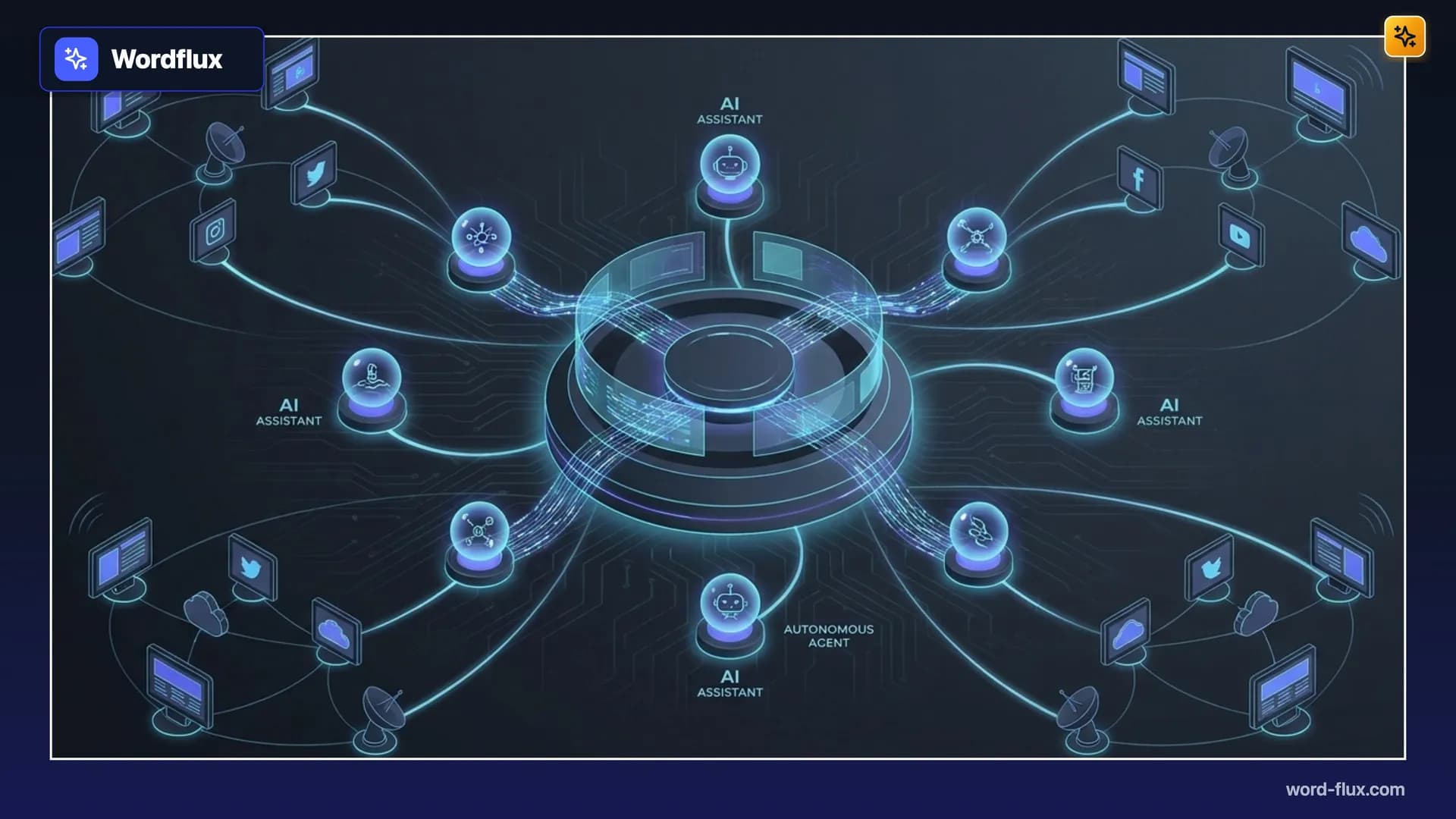
Wordflux has officially launched its Model Context Protocol (MCP) server at https://api.word-flux.com/mcp. Any MCP-compatible AI client (including Claude, ChatGPT, Gemini, Cursor, and autonomous browser or background agents) can now connect directly to Wordflux to read your brand voice, generate on-brand visuals and carousels, and auto-publish or schedule content across 10+ social media platforms and major CMSs in one workflow.
Stop spending hours copying, pasting, and reformatting AI drafts across ten tabs. Connecting your AI client to Wordflux via MCP turns every conversation or autonomous agent loop into a complete, multi-channel publishing engine.
Ready to turn your AI assistant into a 24/7 publishing powerhouse? Start using the Wordflux MCP server today at https://www.word-flux.com and automate your entire content pipeline from a single command.
Why Connect Your AI Workflows to the Wordflux MCP Server?
Most teams already draft ideas, articles, and campaign copy inside AI tools. The bottleneck has never been writing; it has been distribution. Moving content from Claude, ChatGPT, or Cursor into LinkedIn, Instagram, X, or WordPress used to mean manual formatting, image resizing, and calendar scheduling.
With the Wordflux MCP server, your AI client gets direct, authenticated access to your Wordflux workspace:
Brand and Voice Alignment First: Your AI client automatically checks your Brand Voices, Context Profiles, and connected pages before writing a single word.
One Prompt, Every Channel: Build a single campaign with tailored posts for LinkedIn (Personal Profiles and Company Pages), Instagram, X, Threads, Facebook, TikTok, Google Business Profile, Bluesky, Mastodon, Pinterest, and CMS blogs.
Built-In Visuals and Carousels: Generate aspect-ratio-perfect AI visuals and multi-slide LinkedIn PDF carousels right inside your AI chat.
Autonomous Agent Auto-Posting: Running background AI agents or scheduled workflows? Connect them to
https://api.word-flux.com/mcpto auto-publish or queue content directly onto your Smart Auto-Scheduler calendar.
Supported AI Clients and Autonomous Agents
AI Client / Environment | Connection Method | Best Use Case |
|---|---|---|
Claude (Desktop and Web) | Remote MCP ( | Interactive campaign drafting, brand-voice articles, and Client Review links |
ChatGPT | MCP Connector + OAuth / API Key | Turning brainstorms and uploaded images directly into scheduled social and blog posts |
Gemini and Antigravity | Streamable HTTP ( | Multi-step research-to-publish pipelines and automated content operations |
Cursor and IDE Agents |
| Publishing release notes, changelogs, and technical SEO blogs straight from your codebase |
Autonomous Agents and Browser Bots | Streamable HTTP + | 24/7 news monitoring, URL ingestion, and hands-free auto-posting |
How to Connect to https://api.word-flux.com/mcp in Under 2 Minutes
You can connect to the Wordflux MCP server in two ways depending on whether you use an interactive AI client or a headless autonomous agent:
Option 1: Remote Streamable HTTP (OAuth)
Add the Wordflux production MCP endpoint to your AI client configuration:
{
  "mcpServers": {
    "wordflux": {
      "url": "https://api.word-flux.com/mcp"
    }
  }
}
When your client connects, complete the OAuth sign-in flow once. Your AI assistant immediately unlocks all Wordflux publishing, scheduling, media, and analytics capabilities.
Option 2: API Key Authentication for Autonomous Agents
For background agents, CI/CD pipelines, or headless automations that run without a browser, authenticate using your scoped WORDFLUX_API_KEY (or passwordless email verification). Once authenticated, your agents can:
Save drafts and generate shareable no-login Client Review links for approval
Schedule posts into optimal calendar slots automatically
Publish live immediately across connected channels
Frequently Asked Questions (FAQ)
What is the Wordflux MCP server endpoint?
The official production MCP endpoint is https://api.word-flux.com/mcp. It uses the standard Streamable HTTP MCP transport with OAuth and API key authentication.
Can autonomous AI agents auto-post without manual approval?
Yes. Agents can publish live immediately or schedule posts onto your calendar automatically, or save drafts with a shareable Client Review link when you want human sign-off first.
Does the MCP server preserve my brand tone and formatting rules?
Yes. Every connected AI client loads your Brand Voices, vocabulary, target audience, and writing rules before generating any social post or article.
Take full control of your publishing pipeline today. Connect your favorite AI client to Wordflux at https://www.word-flux.com and turn every AI prompt into published reach.