Why Your Content Just Needs a “Branded Frame”
Stop Redesigning Every Post: Why Your Content Just Needs a “Branded Frame”
You just finished writing a great post. The insight is sharp, the advice is genuinely useful, and you are ready to share it.
Then comes that familiar sigh: “Wait, I need an image.”
Cue the routine:
Open Canva, Photoshop, or Figma.
Search your downloads folder for that transparent
.pnglogo with no background.Paste in a photo or screenshot.
Try to remember your exact brand hex code (Was it
#4F46E5or#6366F1?).Shrink the font size so the headline does not awkwardly spill across four lines.
Center the elements, download the PNG, and finally upload it to your scheduler.
Total time? 15 to 20 minutes. For a single post.
If you publish 4 or 5 times a week across LinkedIn, X, and Instagram, that is 8 to 15 hours every month spent playing digital cut-and-paste.
We call it "staying on brand." In reality, it is just an unpaid design chore that drains your creative energy.
What Is a “Branded Frame”?
Software companies love confusing phrases like “visual asset generation systems” or “brand design templates.”
Forget the jargon. Think of an actual picture frame hanging on a wall.
The frame never changes. It has a specific finish, a distinct style, and maybe a small engraved nameplate at the bottom. But whenever you want to display something new, you do not build a brand-new wooden frame from scratch.
You just slide the new picture inside.
A branded frame for your social media works the exact same way:
The frame itself stays locked: Your logo in the corner, your company colors, and your signature typography.
The inside changes every day: The article headline, the topic quote, or the background thumbnail.
When you think in terms of a frame, you stop treating every daily post like a custom design project. You set the rules once, and let your content slip into place.
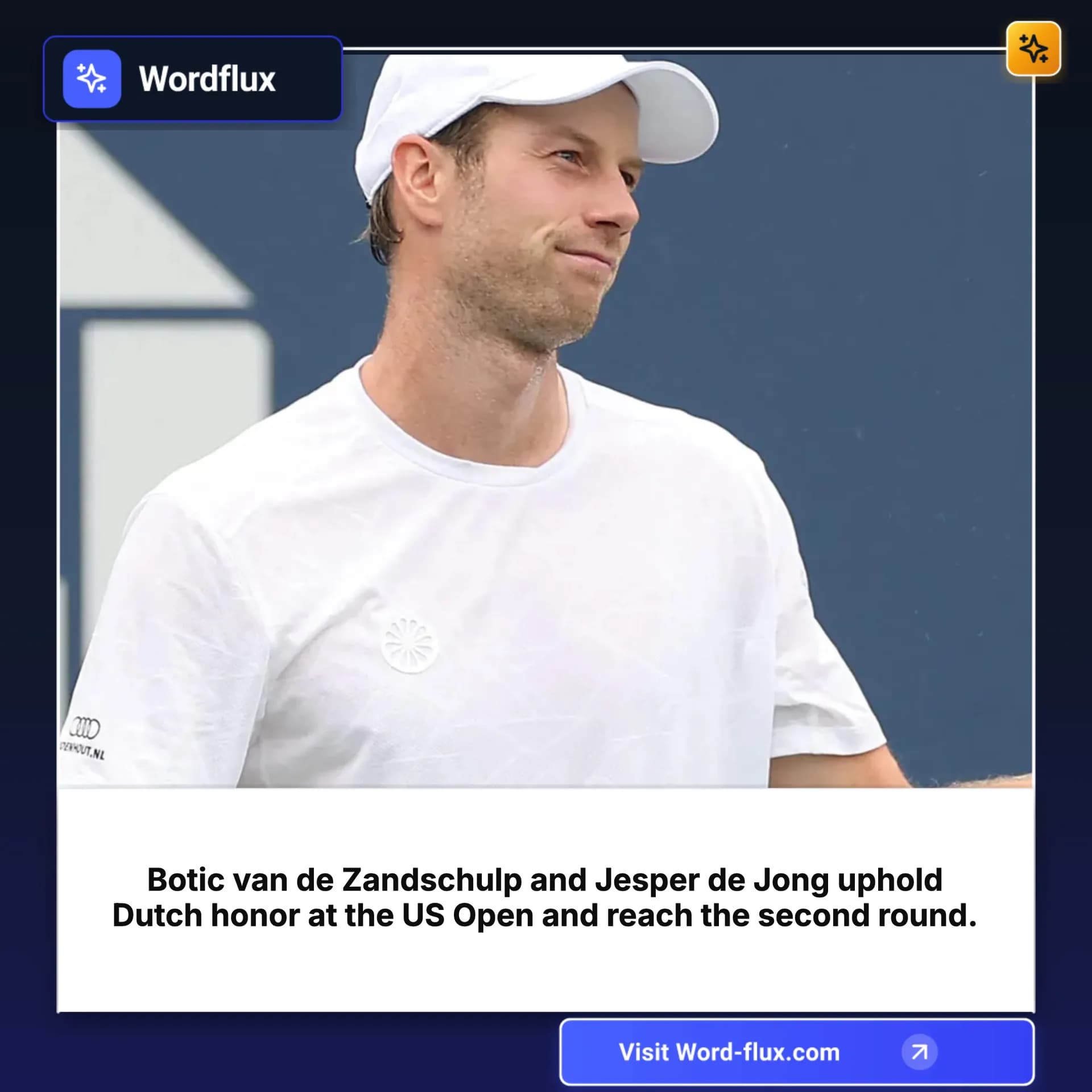
Branded:
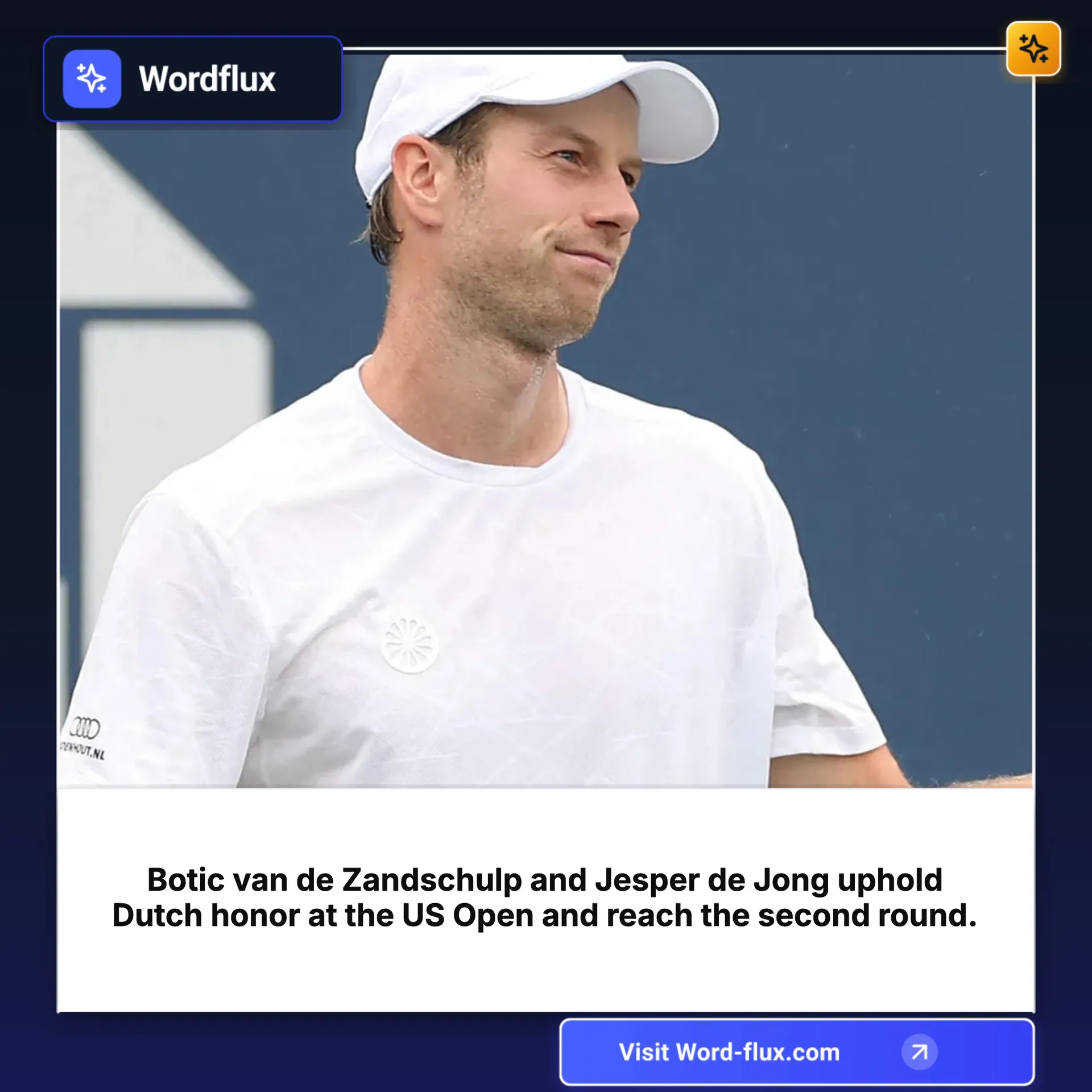
Not branded:

The Magic: Two Ways Your Posts Dress Themselves
Once your branded frame is saved, you never have to open an external graphic editor just to brand a post again. It works in two distinct ways:
1. 100% Autopilot (The Auto-Scheduler)
This is where the real time savings kick in.
When you set up your Auto-Scheduler, you simply attach your branded frame to your social channels. From that moment on, whenever the system picks up fresh content (from an RSS feed, industry news, or curated topics), it does not just grab a raw, generic image.
It automatically applies your branded frame to the incoming visual:
The article thumbnail snaps into the background.
Your brand overlay and colors are applied.
Your logo is placed in the corner.
The headline is rendered in your exact brand font.
You do not touch a thing. Content is sourced, beautifully branded, and queued up to publish while you sleep.
2. On Demand (When You Are Creating Posts Manually)
What about the days when you are writing a custom post from scratch?
You write your copy, drop in an image or generate a visual, and instead of leaving the app to fiddle in Canva, you simply click:
"Use my branded frame."
With a single tap, the platform applies your saved template directly onto the image. Your colors, logo, and framing snap into place instantly. No export, no re-upload, no manual adjustments.
Why This Changes Your Content Workflow
Consistency Without the Burnout
We have all had days where we were too busy to open design tools, so we posted a raw screenshot or no visual at all. With your branded frame attached to your scheduler and studio, every single post looks polished, even when you have zero time.
Instant Recognition in the Feed
People scroll through social feeds in seconds. When your branded frame is consistent across every channel, your audience recognizes your company before they even read the first sentence. That visual repetition builds trust and authority over time.
Your Energy Goes to What Actually Matters
Design software is great when you are building an original infographic or launching a major rebrand. But for daily social posts, news shares, and quick takeaways, you should not be an assembly-line graphic technician.
Ready to Put Your Branding on Autopilot?
You do not need to be a graphic designer to have a consistent, professional presence on social media.
Setting it up takes less than two minutes:
Create an account on Wordflux.
Go to Brand Contexts and Design in your dashboard.
Click on Brand Template.
Add your template: Set your brand frame with your logo, colors, and layout style.
Start creating content or activate the Auto-Scheduler, and watch the magic happen.
Stop doing the busywork. Set up your branded frame once, and let your content dress itself.
Join the conversation
"Spending 15 minutes in Canva just to paste a logo onto a social image costs you over 10 hours every month. The routine is always the same. Open design tools, hunt for a transparent logo file, check y..."
"Stop spending 20 minutes tweaking Canva for every single post. A branded frame locks your logo and colors once, so your content dresses itself automatically. Save hours every week."
"Designing every social post from scratch is a massive time sink. Searching for logo PNGs, tweaking hex codes, and shrinking font sizes can easily cost you 10 to 15 hours every month. You don't need ..."