Social Media API Wall Journey

From Personal Profile to Company Page: My Struggle with the Social Media API Wall
I'm building a new SaaS tool, Word-flux, and I recently set out to create what I thought would be a game-changing feature: allowing users to publish their content everywhere with a single click. My goal was to connect LinkedIn, Facebook, Threads, and Instagram for seamless content distribution. While my initial development was a success, I soon hit an unexpected but common roadblock.
Building the One-Click Publish Feature
The coding part of the project went smoothly. I successfully implemented all the core mechanics for the multi-platform posting tool. My key achievements included:
- Connecting user accounts to my app.
- Enabling the upload of multiple images.
- Sending posts to the connected social media platforms.
When I tested it on my personal profile, the feature worked perfectly. It felt like magic to see my content appear across different networks simultaneously.
The Company Page Hurdle
My excitement faded when I tried to post to a Company Page. That’s when I learned a hard lesson. Posting to a personal profile is relatively easy, but posting on behalf of a Company Page requires official permission from the platform providers.
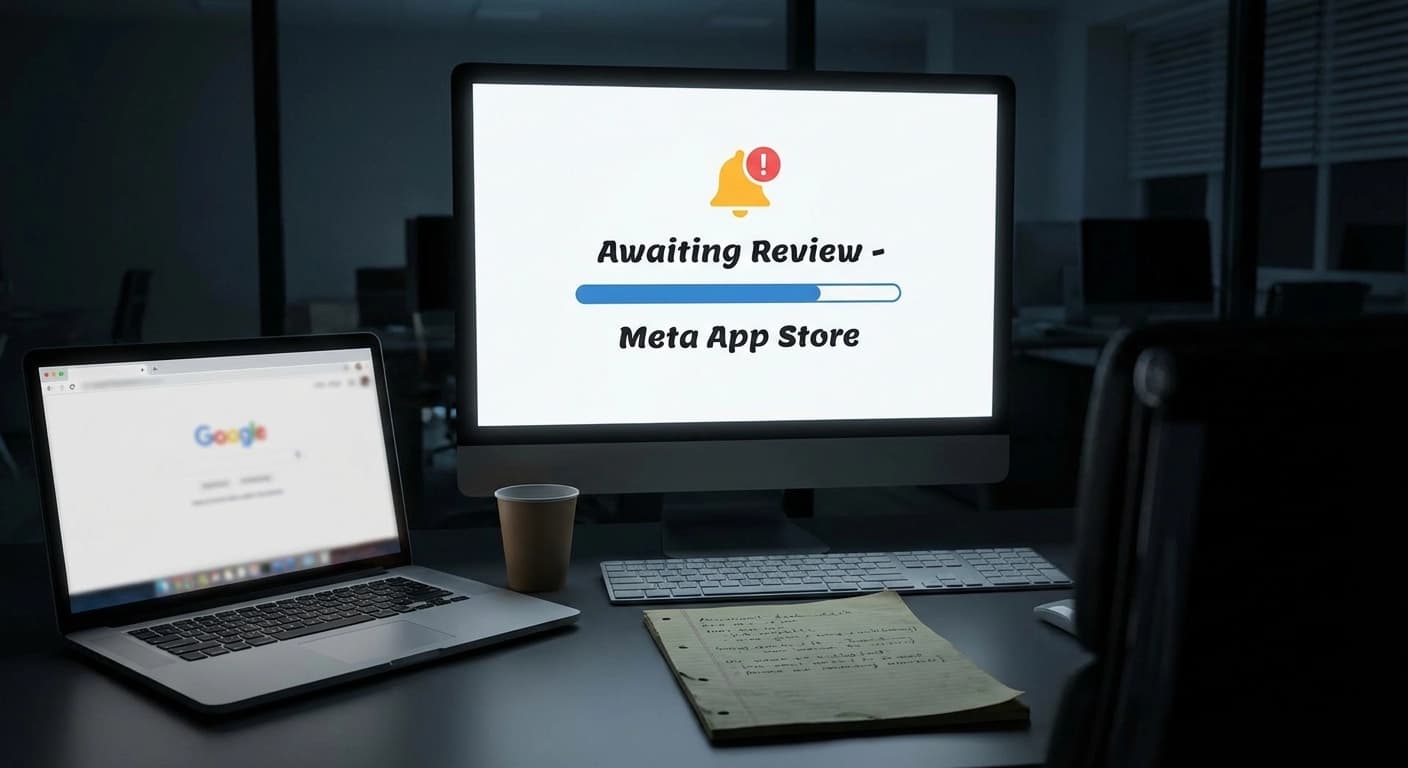
My code works, but I can't launch the feature until Meta and Microsoft review my app and grant the necessary permissions. The project is currently in a holding pattern, waiting for their approval.
A Quick Tip for Developers
This journey also revealed a useful insight for others working with the Threads API. I learned the hard way that you must swap your standard token for a Long-Lived Token. If you don't, the API connection will expire in just one hour.
I'm sharing this entire journey publicly. You can follow along to see if my app gets the approval it needs to launch this powerful feature.